
Catching up with CFCC Alumni Jose Garcia
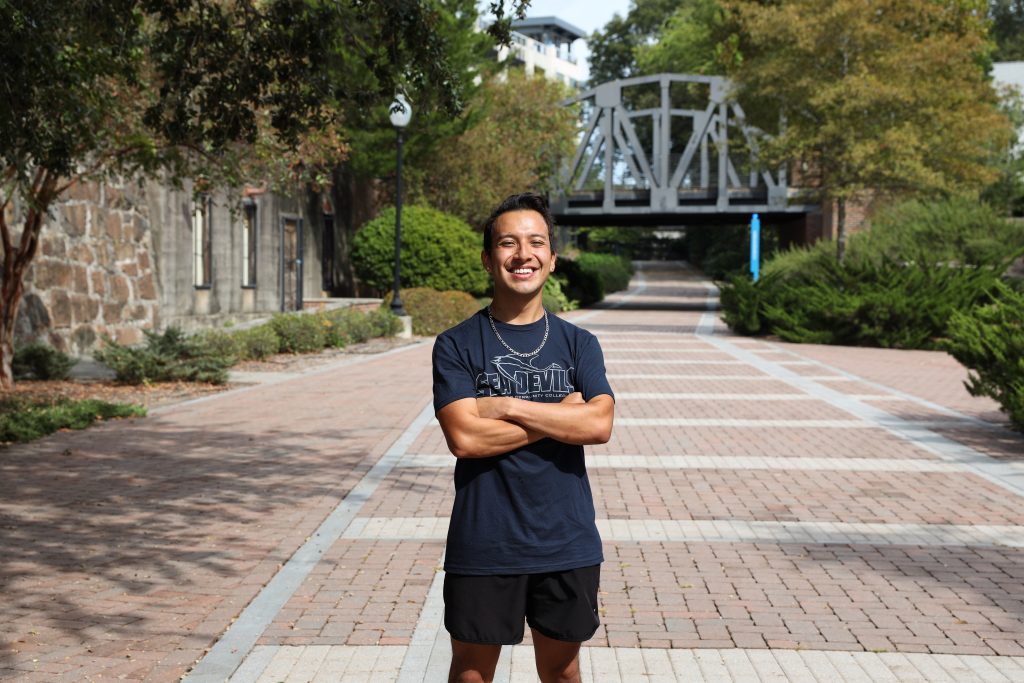
On a recent trip to Wilmington, NC, CFCC Alumni José Garcia stopped in to visit the campus, faculty, and his little sister, Emily. We caught up with José, and he was happy to give us an update and share his success story!
During his time at CFCC, José was very active on campus. Through his student activities including student government, student ambassador, and the International Center, José developed a skill set that inspired him to study business management and embark on the beginnings of his own wealth management company.
WHY DID YOU CHOOSE CFCC AND WHY DID IT MAKE SENSE FOR YOU?
It’s a beautiful campus and the opportunities we had here were amazing. I had so many extracurricular activities that allowed me to be a well-rounded individual. And I can’t forget how affordable it was.
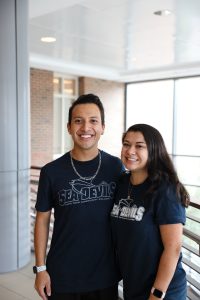
Jose Garcia and sister Emily
WHAT PROGRAM WERE YOU IN AND WHAT YEAR DID YOU GRADUATE?
I was in the University Transfer Degree program earning my Associate in Science. However, I realized that wasn’t the best fit for me. It was really easy to switch my degree to an Associate in Arts. The advisors were amazing and so helpful. I graduated in 2018.
WERE YOU INVOLVED IN STUDENT ACTIVITIES AT CFCC?
I made the most of my time at CFCC. I served as a senator in the Student Government Association. I was a representative for the International Center. I worked as a student ambassador, and I was involved with the Sustainability Committee. I loved every opportunity I had here.
SO YOU TRANSFERRED TO A 4-YEAR COLLEGE. WHERE DID YOU GO AND WHAT IS YOUR MAJOR?
After graduating from CFCC, I transferred to Kent State University in Kent, Ohio. I am pursuing my bachelor’s degree in business management. I am planning to pursue my master’s degree but I am trying to decide if I want to continue in business management or study law.
HOW DID CFCC PREPARE YOU FOR THAT TRANSITION?
When I arrived at Kent State, I was all by myself in a far state. But while I was here at CFCC, I learned how to communicate effectively and developed confidence. My time as a student ambassador helped me become more professional as well. Small little things that allowed me to be a more well-rounded adult prepared me when I went.
SPECIAL MEMORIES ABOUT CLASS AND/OR INSTRUCTORS?
I had a great English professor. I wish I could remember her name, but she taught us a lot about the importance of American literature, especially Ernest Hemingway. I truly find him to be an amazing inspiration for me.
TELL US ABOUT YOUR NEW BUSINESS VENTURE
It’s about sustainable economic growth for more progressive and healthy individuals. We can use the most advanced technology we have in 2022 to make assumptions and predictions about the economy. We use forecasted graphs and media reports such as Bloomberg Investment and Bloomberg Media. We also use higher education, such as John Hopkins and Princeton, to understand more about the effects of the global finance economy, and how other countries affect us here in the U.S.